Introduction
A music video is far more than visuals accompanying a song — it’s storytelling, branding, and an emotional bridge to your audience. At Ratina Studios, we’ve worked with countless artists and producers to bring their music to life with compelling visuals. In this guide, we’ll walk you through the full process: from idea brainstorming to filming, post-production, and release — all within the Kenyan context. Let’s make something unforgettable.
1. Pre-Production: Laying the Foundation
1.1 Ideation & Concept
Start with the song’s message, mood, and lyrics. What story or emotion do you want to amplify visually?
Create a mood board: gather visual references (films, photos, color schemes, styles).
Think about target audience & platform: Is this for YouTube, social reels, TV, or local channels? That may influence aspect ratio, duration, and pacing.
1.2 Budgeting & Planning
Break down costs: location fees, permits, equipment, crew, transport, props, wardrobe, catering.
Be realistic about what you can achieve with your budget, but leave flexibility (10-15 % buffer).
Draft a shoot schedule (call sheets): define what scenes are shot when, who’s needed, how much time, and transitions between locations.
1.3 Storyboarding & Shot Lists
Sketch key scenes or moments (stick figures are fine).
For each shot, note camera angle, movement, lens (wide, close-up), and duration.
Coverage plan: have alternate angles, cutaway shots, and B-roll to use in editing.
1.4 Casting, Locations & Permissions
If your concept needs actors, dancers, extras, audition or source locally.
Secure locations ahead, and don’t forget permits or permissions if filming in public or private places.
Scout locations for lighting, ambient sound, logistics (power, access, safety).
2. Production: Capturing the Visuals
2.1 Camera & Lighting Setup
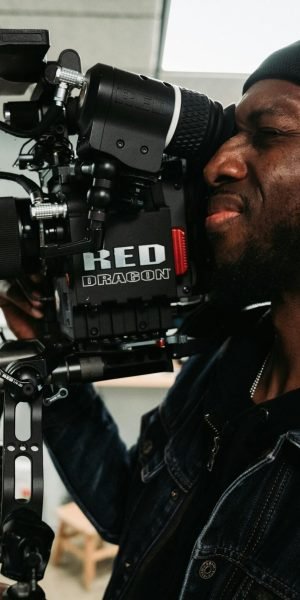
Use cameras suited for your desired look (cine, mirrorless, DSLR).
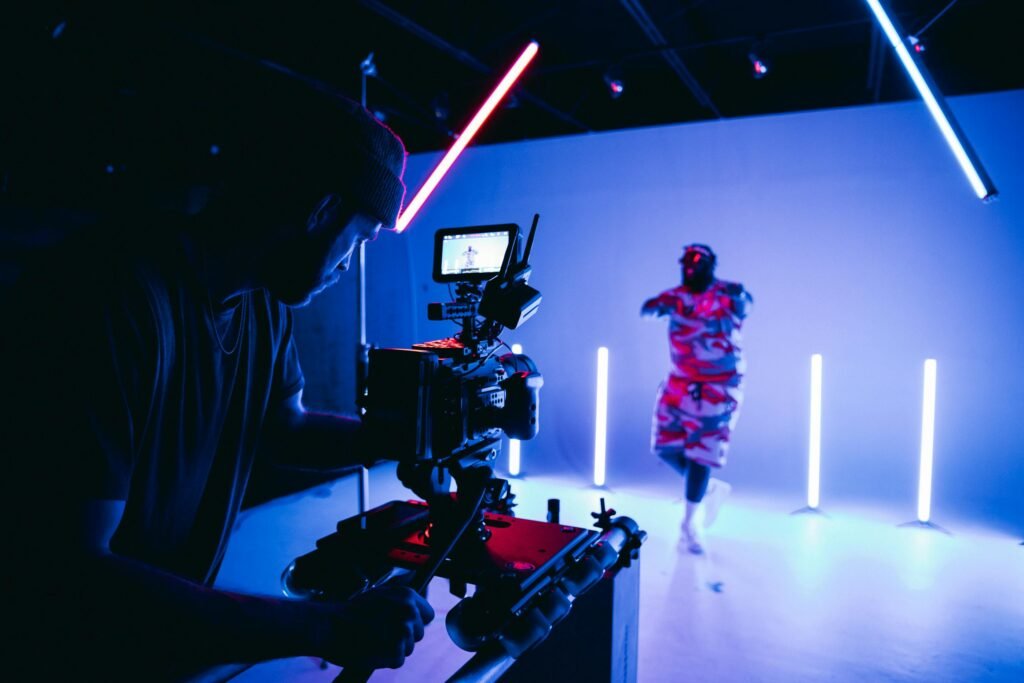
Lighting is key — even a simple 3-point lighting setup can elevate visuals.
Consider natural light timing (golden hour) and have reflectors/diffusers.
2.2 Sound & Sync
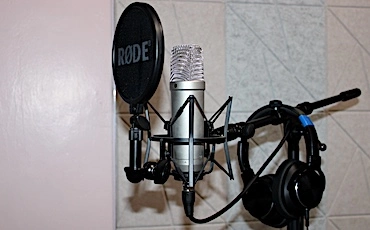
Even on a music video, if there’s ambient audio or on-set dialogue, record clean references.
Use clap boards or slates to mark takes (helpful in editing to sync audio & visuals).
Ensure redundancy — back up takes immediately.
2.3 Direction & Performance
Communicate your vision clearly to performers and crew.
Be open to improvisation — sometimes spontaneous moments become the best.
Monitor shots (use video assist or monitors) so you can adjust framing/motion on the fly.
2.4 B-Roll & Cutaways
Capture extra footage: environmental shots, close details, textures, movement.
These will be your editor’s toolbox for fillers, transitions, and pacing.
3. Post-Production: Bringing It All Together
3.1 Logging & Organizing Footage
Transfer all footage into a structured folder system (by scene, take, camera).
Make backups — always have at least two copies in separate storage.
3.2 Editing & Rough Cut
Assemble the basic sequence following the storyboard.
Watch the pacing: vary shot lengths to maintain energy.
Use transitions (cuts, dissolves, etc.) carefully — don’t overdo them.
3.3 Color Grading & Visual Enhancements
Color grade to set mood (warm, cool, high contrast, muted, etc.).
Add subtle visual effects if needed (lens flares, overlays, light leaks) — but only if they serve the story.
3.4 Sound Design & Integration
Bring in the final mastered audio track.
Add ambient sound, foley, and effects (if needed) to enhance immersion.
Ensure sync is perfect: lip sync, beat hits, transitions.
3.5 Final Output & Export Settings
Export in formats suited for your platforms (YouTube, Instagram, broadcast).
Maintain high quality (e.g., 4K, 10-bit, appropriate bitrate) but also create compressed versions for web.
Render a backup “master file” (highest quality) for archives.
4. Release Strategy & Promotion
4.1 Premiere & Launch Plan
Tease the release with behind-the-scenes clips, stills, and countdowns.
Consider a YouTube premiere or Instagram live to engage fans.
Use your network (blogs, radio, social media influencers) to amplify the launch.
4.2 Metadata & SEO
Title the video with key terms (song name + artist + “official video”).
Write a description with keywords, credits, and featured hashtags.
Use appropriate tags, thumbnail that pops, end screens/cards.
4.3 Cross-Platform Sharing
Create short clips (15-30 s) for reels, TikTok, and Instagram Stories.
Adapt the aspect ratio (vertical, square) to suit each medium.
Encourage fans to share, tag, and use hashtags.
4.4 Monitoring & Analytics
Track metrics: views, watch time, retention, comments, shares.
Use feedback to improve future videos.
Engage with fans: reply to comments, share reactions, re-post fan covers.
5. Challenges & Tips from the Field
Power & backup equipment: In field shoots, always have backup batteries, power banks, and alternative lighting.
Permissions & bureaucracy: Some public places require official approval or local authority clearance — plan.
Weather & environment: Nairobi and surrounding areas have unpredictable weather; have contingency plans.
Budget constraints: Use creativity — small budgets benefit from clever angles, lighting tricks, and resourceful props.
Talent contracts/releases: Always sign release forms (actors, locations) to avoid disputes later.
Conclusion
Creating a standout music video doesn’t always require a massive budget — what matters is vision, planning, and attention to detail. At Ratina Studios, we partner with artists and brands to bring their creative stories to life, combining technical excellence and narrative heart.
Let’s turn your next song into a visual experience your audience can’t forget.